
Introduction
Cyberattacks are no longer a problem reserved for large enterprises. Today, small businesses are among the most common targets because they often lack dedicated security teams, enterprise-grade defenses, and formal cybersecurity policies.
A single phishing email, stolen password, ransomware attack, or unsecured device can result in financial losses, operational downtime, damaged customer trust, and even legal consequences.
The good news is that improving your organization’s cybersecurity doesn’t always require expensive software or a large IT department. Many of the most effective security measures are simple, affordable, and can be implemented gradually.
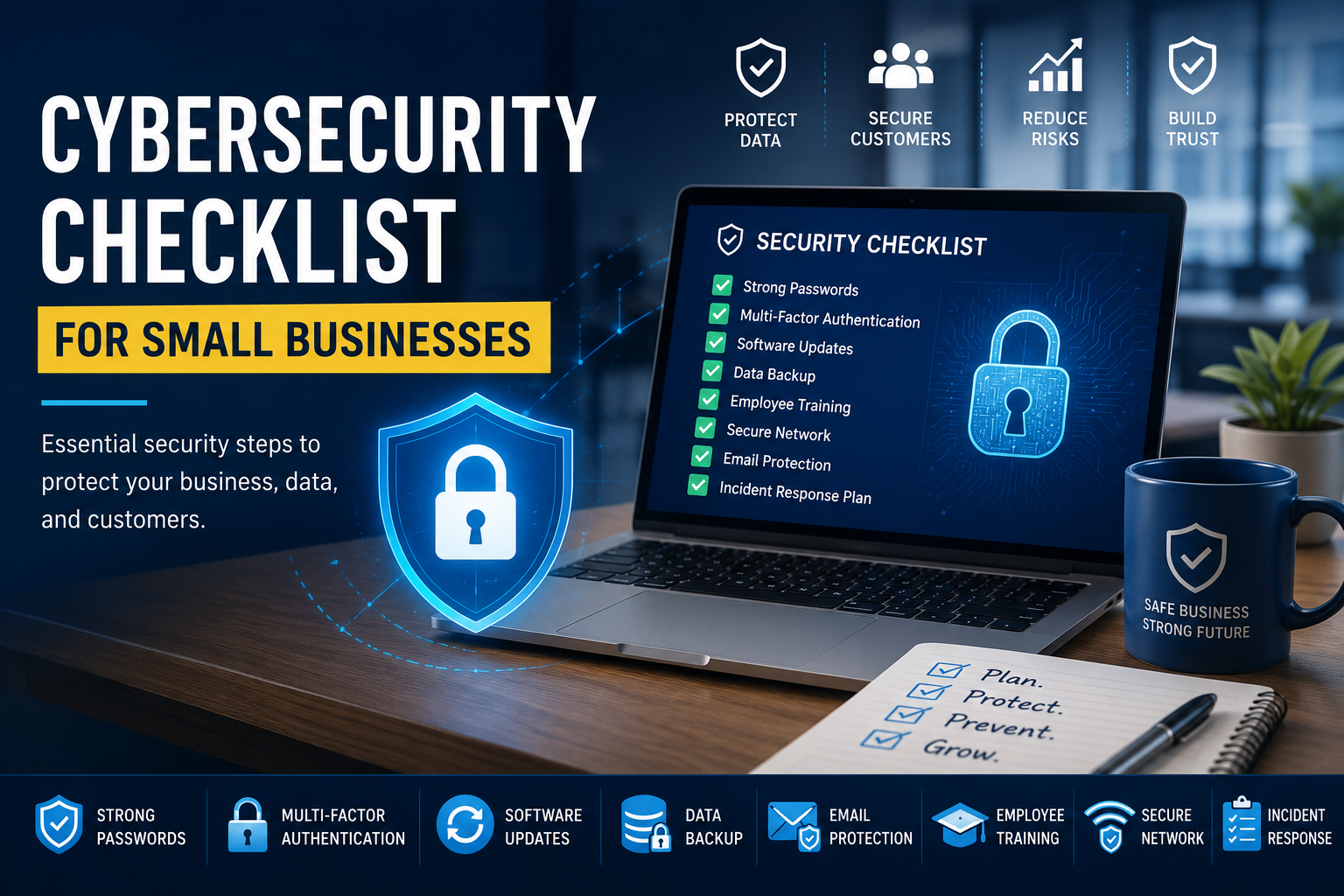
This comprehensive cybersecurity checklist is designed specifically for small businesses. Whether you own an online store, software company, consulting agency, startup, healthcare clinic, or local business, this guide will help you identify security gaps, reduce cyber risks, and build a stronger security posture.
By the end of this article, you’ll have a practical roadmap for protecting your business against today’s most common cyber threats.
Key Takeaways
- Small businesses are frequent targets for cybercriminals.
- Strong passwords and Multi-Factor Authentication (MFA) significantly reduce account compromise.
- Regular software updates eliminate many known vulnerabilities.
- Employee awareness is one of the strongest cybersecurity defenses.
- Secure backups are essential for ransomware recovery.
- Monitoring and incident response planning minimize business downtime.
- Cybersecurity should be an ongoing process, not a one-time project.
Why Cybersecurity Matters for Small Businesses
Many business owners mistakenly believe attackers only target large corporations. In reality, automated attacks constantly scan the internet for vulnerable businesses regardless of their size.
Small businesses often have:
- Limited IT resources
- Outdated software
- Weak passwords
- No backup strategy
- Inadequate employee training
These weaknesses make them attractive targets.
Common consequences include:
- Financial loss
- Customer data theft
- Business interruption
- Regulatory penalties
- Reputation damage
Investing in cybersecurity is far less expensive than recovering from a major breach.
Common Cyber Threats
Phishing Attacks
Fraudulent emails attempt to steal passwords, banking information, or sensitive company data.
Example:
An employee receives an email appearing to be from Microsoft requesting password verification.
Ransomware
Malware encrypts files and demands payment for decryption.
Targets include:
- Accounting systems
- Customer databases
- Shared file servers
Password Attacks
Weak or reused passwords allow attackers to gain unauthorized access.
Examples include:
- Credential stuffing
- Brute-force attacks
- Password spraying
Malware
Malicious software may:
- Steal data
- Spy on users
- Damage systems
- Create backdoors
Insider Threats
Employees may accidentally or intentionally expose company data.
Examples include:
- Sharing confidential files
- Clicking malicious links
- Using unauthorized cloud services
Complete Cybersecurity Checklist
| Area | Priority |
| Strong Password Policy | High |
| Multi-Factor Authentication | High |
| Software Updates | High |
| Antivirus / Endpoint Protection | High |
| Firewall Configuration | High |
| Data Backup | High |
| Employee Training | High |
| Secure Wi-Fi | High |
| Email Protection | High |
| Incident Response Plan | Medium |
| Vulnerability Scanning | Medium |
| Security Monitoring | Medium |
Identity and Access Management
Identity management is the first layer of cybersecurity.
Use Strong Passwords
A secure password should:
- Be at least 16 characters long
- Include random words or a passphrase
- Be unique for every account
Good Example:
River!Coffee#Laptop2026Bad Example:
Password123Enable Multi-Factor Authentication (MFA)
MFA adds another verification step after entering a password.
Benefits:
- Prevents most account takeover attacks
- Protects remote access
- Reduces phishing impact
Recommended for:
- Cloud storage
- Banking
- CRM
- Admin accounts
Apply Least Privilege
Employees should only access the systems necessary for their role.
Benefits:
- Reduces accidental exposure
- Limits attacker movement
- Simplifies auditing
Device and Endpoint Security
Every laptop, desktop, and mobile device should be secured.
Checklist:
- Enable automatic updates
- Install endpoint protection
- Encrypt hard drives
- Lock devices automatically
- Remove unused software
Asset Inventory
Maintain a list of:
- Company laptops
- Mobile devices
- Servers
- Networking equipment
- Software licenses
Network Security
Your network is the gateway to your business systems.
Secure it by:
- Changing default router passwords
- Updating router firmware
- Using WPA3 encryption
- Disabling unused services
- Separating guest Wi-Fi
Example Network Layout
graph TD
Internet --> Firewall

Firewall --> Router

Router --> Office PCs

Router --> Servers

Router --> Guest WiFi

Guest WiFi --> Visitors
Email Security
Email remains the most common attack vector.
Implement:
- Spam filtering
- Phishing detection
- Attachment scanning
- Domain authentication (SPF, DKIM, DMARC)
Teach employees to verify:
- Sender address
- Unexpected attachments
- Urgent payment requests
- Suspicious links
Data Protection
Business data should always be protected.
Encrypt Sensitive Data
Protect:
- Customer records
- Financial documents
- Employee information
- Contracts
Follow the 3-2-1 Backup Rule
Keep:
- 3 copies of data
- 2 different storage types
- 1 offsite backup
Example:
Production Server

        ↓

Local NAS

       ↓

External Hard Drive

       ↓

Cloud Backup
Test backup restoration regularly.
Website Security
If your business operates a website, secure it properly.
Checklist:
- HTTPS enabled
- SSL certificate renewed
- CMS updated
- Plugins updated
- Strong admin passwords
- Web Application Firewall (WAF)
- Daily backups
For custom-built websites:
- Validate all user inputs
- Sanitize database queries
- Protect APIs
- Implement rate limiting
Cloud Security
Cloud services require proper configuration.
Review:
- User permissions
- MFA
- Audit logs
- File sharing settings
- Backup policies
Remove inactive accounts promptly.
Employee Security Awareness
Technology alone cannot stop cyberattacks.
Employees should know how to:
- Recognize phishing emails
- Report suspicious activity
- Handle customer information securely
- Create strong passwords
- Use secure Wi-Fi while traveling
Conduct regular awareness training.
Incident Response Planning
No business is immune to cyber incidents.
Prepare an incident response plan covering:
- Detection
- Containment
- Investigation
- Recovery
- Lessons learned
Example Response Workflow
flowchart LR
Detect --> Isolate

Isolate --> Investigate

Investigate --> Recover

Recover --> Review

Review --> Improve
Compliance Considerations
Depending on your industry, compliance may be mandatory.
Common frameworks include:
- GDPR
- ISO 27001
- PCI DSS
- HIPAA (where applicable)
- SOC 2
Even if not legally required, following recognized standards improves security and customer trust.
Cybersecurity Budget Priorities
If your budget is limited, prioritize investments in this order:
- Multi-Factor Authentication
- Endpoint Protection
- Cloud Backups
- Password Manager
- Employee Training
- Firewall
- Email Security
- Security Monitoring
- Vulnerability Scanning
- Professional Security Audit
Best Practices
- Enable automatic updates whenever possible.
- Use password managers instead of storing passwords in spreadsheets.
- Review user access quarterly.
- Encrypt laptops and portable devices.
- Back up critical business data daily.
- Monitor administrator accounts.
- Document security policies.
- Regularly test disaster recovery procedures.
- Conduct annual security assessments.
- Continuously educate employees about emerging cyber threats.
Common Mistakes
Reusing Passwords
Using the same password across multiple accounts increases the risk of credential compromise.
Ignoring Software Updates
Unpatched software often contains publicly known vulnerabilities that attackers actively exploit.
No Backup Testing
A backup is only useful if it can be restored successfully
Excessive User Permissions
Providing employees with administrator privileges unnecessarily expands the attack surface.
No Employee Training
Many successful cyberattacks begin with human error rather than technical weaknesses.
Weak Wi-Fi Security
Leaving default router settings unchanged exposes networks to unauthorized access.
Pro Tips
- Use a password manager across your organization.
- Schedule monthly security reviews.
- Enable security alerts for all cloud services.
- Remove former employee accounts immediately.
- Perform quarterly vulnerability scans.
- Maintain an inventory of all business assets.
- Implement least-privilege access by default.
- Store backups offline to protect against ransomware.
- Document recovery procedures before an incident occurs.
- Review cybersecurity policies annually.
Frequently Asked Questions
Why are small businesses targeted by cybercriminals?
Small businesses often have fewer security controls, making them attractive targets for automated attacks and ransomware campaigns.
What is the first cybersecurity step every small business should take?
Start by enabling Multi-Factor Authentication (MFA) on all critical accounts and enforcing strong, unique passwords.
How often should software be updated?
Apply security updates as soon as practical. Enable automatic updates whenever possible for operating systems, browsers, and business applications.
Is antivirus software enough?
Apply security updates as soon as practical. Enable automatic updates whenever possible for operating systems, browsers, and business applications.
How frequently should backups be performed?
Critical business data should be backed up daily, with regular restoration tests to ensure backups are usable.
What is the biggest cybersecurity risk for small businesses?
Phishing remains one of the most common entry points for attackers because it targets human behavior rather than technical vulnerabilities.
Should employees use personal devices for work?
If personal devices are allowed, establish a Bring Your Own Device (BYOD) policy that includes encryption, screen locks, and remote wipe capabilities.
How can businesses protect against ransomware?
Maintain offline backups, keep systems updated, use endpoint protection, limit user permissions, and train employees to recognize phishing attempts.
What is the principle of least privilege?
It means users receive only the minimum level of access required to perform their job responsibilities, reducing the impact of compromised accounts.
How often should cybersecurity training be conducted?
Provide onboarding training for new employees and refresher sessions at least annually, with additional awareness updates as new threats emerge.
Conclusion
Cybersecurity is no longer optional for small businesses. Every connected device, employee account, and online service represents a potential entry point for attackers. Fortunately, reducing cyber risk doesn’t always require enterprise-sized budgets or complex infrastructure.
By implementing the checklist outlined in this guide strong authentication, regular updates, secure backups, employee awareness, network protection, and incident response planning you can significantly improve your organization’s resilience against common cyber threats.
Treat cybersecurity as an ongoing business process rather than a one-time project. Review your defenses regularly, adapt to new risks, and make security part of your company’s daily operations. Small, consistent improvements today can prevent costly incidents tomorrow.
External References
- OWASP Top 10 — https://owasp.org/www-project-top-ten/
- CISA Cyber Guidance for Small Businesses — https://www.cisa.gov/
- NIST Cybersecurity Framework — https://www.nist.gov/cyberframework
- Microsoft Security Documentation — https://learn.microsoft.com/security/
- Google Safety Center — https://safety.google/
- Mozilla Web Security Guidelines — https://developer.mozilla.org/
- Cloudflare Learning Center — https://www.cloudflare.com/learning/
- CIS Controls — https://www.cisecurity.org/controls
- Linux Foundation Security — https://www.linuxfoundation.org/
- PCI Security Standards Council — https://www.pcisecuritystandards.org/